

Getting started
How you get onto VSQRD Portal, what you are asked on the way in, and where things are once you are there.
VSQRD Portal is the shared workspace between a sponsor and the CRO running its study. The sponsor finds a CRO or names one. The CRO keeps the timeline, posts the updates and delivers the files. Both sides read the same record.
Getting in
The portal is at portal.vsqrd.com, and it is by invitation.
If your organisation is not on the portal yet, ask at portal.vsqrd.com/sign-up. Give your work email, your organisation's name, and what it does. We are emailed, we look, and we set you up.
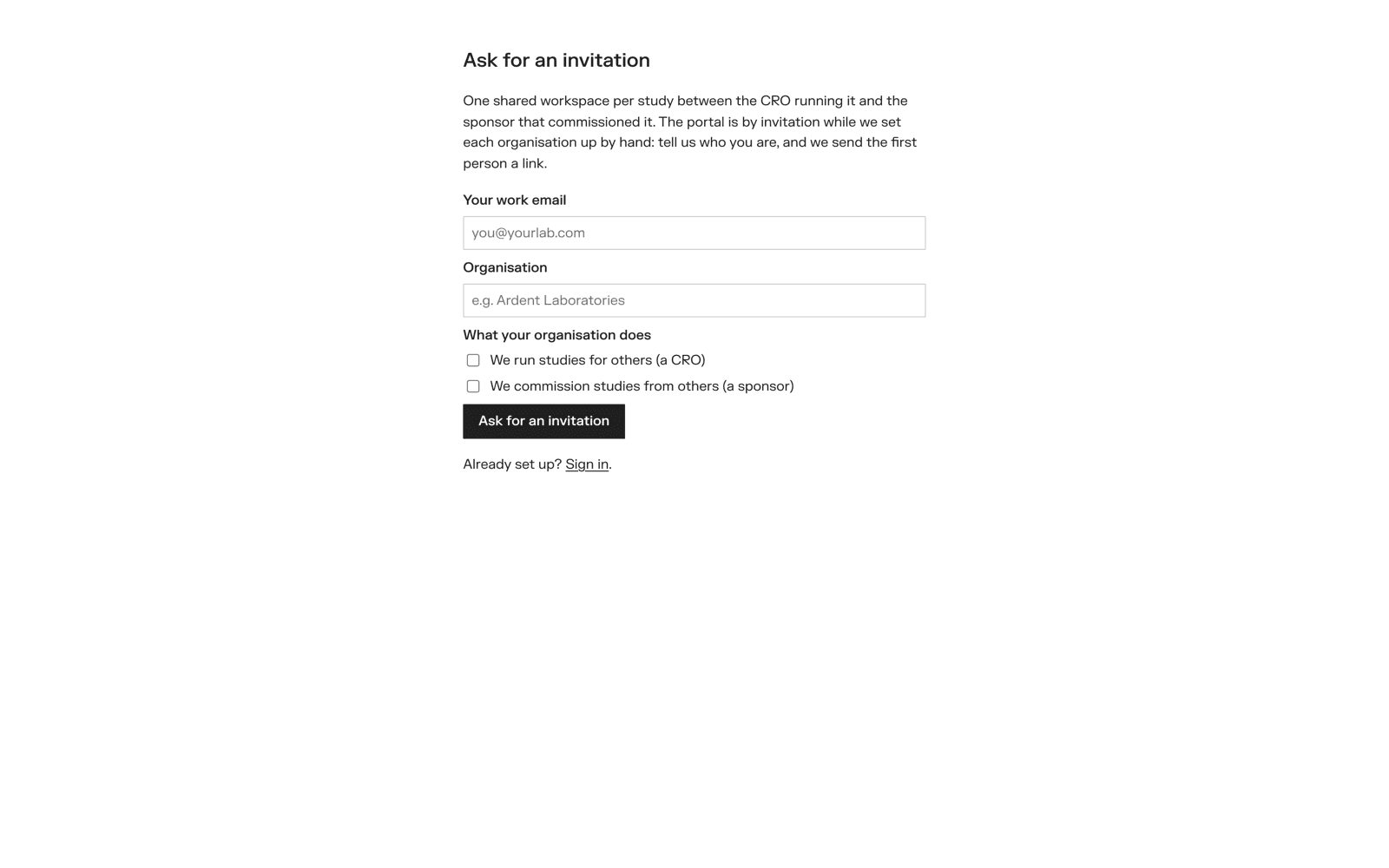
When we set you up, the first person gets an email headed You're invited, with a Join the organisation button. That person becomes the organisation's owner and invites everyone else.
If a colleague invites you, you get the same email. The link works for 7 days. Sign up with the address the invitation was sent to — the portal checks that they match.
You do not keep a password with us. Signing in goes through our identity provider.
There is no account for this address
You see this when you sign in with an address the portal does not know — often a personal address when the invitation went to your work one. Choose Sign out and try again and use the invited address.
What you are asked the first time
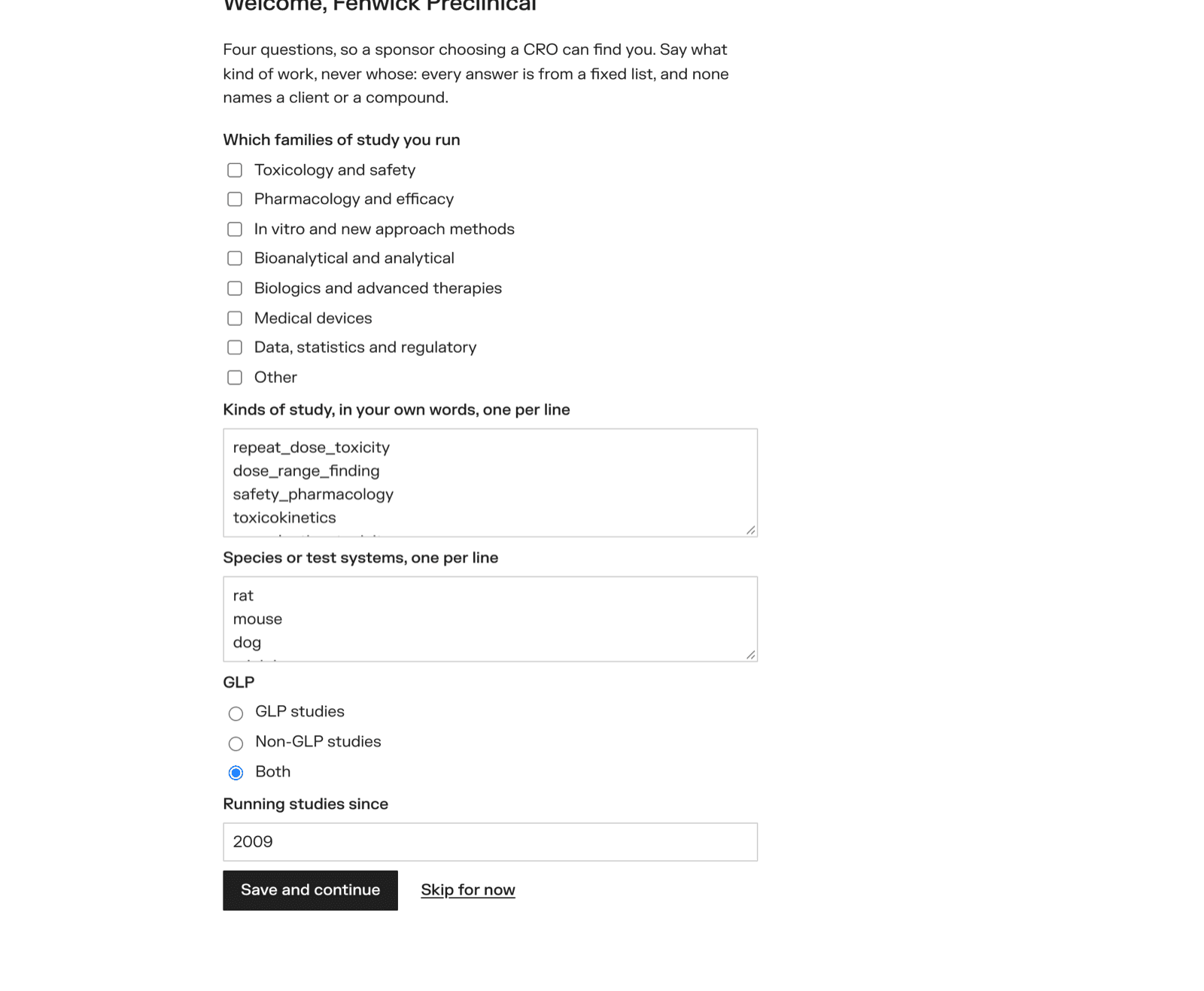
The first time your organisation comes in, the portal asks a few questions. Every one can be skipped with Skip for now, and every answer can be changed later on your profile.
A CRO is asked which families of study it runs, the kinds of study and the species or test systems in its own words, whether it works to GLP, and since when it has run studies.
A sponsor is asked where it is based, its website, a line about the company, and which therapeutic areas and modalities it works in.
An organisation that does both is asked both.
These answers become your organisation's listing. A sponsor choosing a CRO reads them on the CRO's page, marked as the CRO's own description.
Sponsor, CRO, or both
An organisation runs studies (a CRO), commissions them (a sponsor), or both — a CRO that subcontracts its histopathology is the sponsor of that piece of work.
That choice only decides which pages you see. What you may do on a study is decided by the part your organisation plays on that study: the sponsor writes the contract and accepts the files; the CRO posts the updates and uploads the files.
Owners, members and viewers
Inside an organisation each person has a role.
| Role | What they may do |
|---|---|
| Owner | Everything a member does, plus: invite and remove people and change roles; send requests for proposals, invite CROs to bid, and award; send proposals; accept confidentiality agreements; start a study and say which CROs are on it; mark a study delivered |
| Member | Work on studies — draft requests and proposals, write the contract, post and answer updates, upload, accept and send back files, ask and answer questions, edit the profile |
| Viewer | Read everything the organisation sees, and change nothing |
The first person in is an owner. People invited later get the role chosen on their invitation. An organisation always keeps at least one owner.
Finding your way around
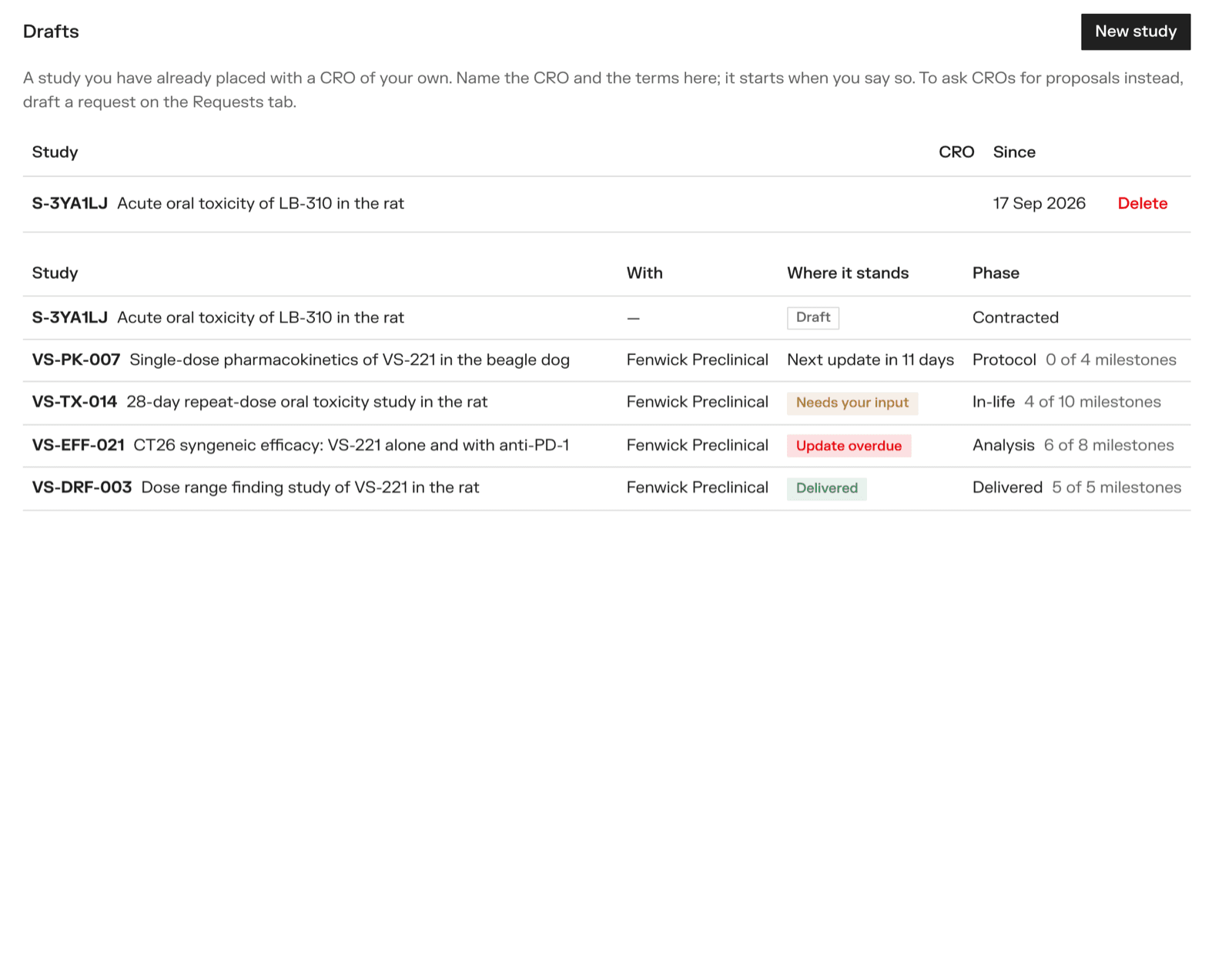
The sidebar has four places:
- Study management — every study your organisation is on, and where each one stands
- Requests — requests for proposals: the ones you send as a sponsor, and the open board and your proposals as a CRO
- Profile — your organisation's listing, people, agreements and files
- Settings — your own name, light or dark appearance, and signing out
The search box at the top finds studies, requests and people. Press / to jump to it. The ? in the corner links to these docs and to support.
Most fields save as you type. You see Saving… and then Saved beside them.
Where to go next
- Your organisation — the profile, people and settings
- Asking CROs for proposals — for sponsors
- Answering a request — for CROs
- Confidentiality agreements
- Placing a study directly — when you already have your CRO
- Running a study — the timeline and updates
- The contract and deliverables
- Emails — who is told what, and when