

Emails
Who the portal emails, about what, and what an email contains.
Nobody has to sign in to find out that something happened. The portal emails the people who need to know.
What an email looks like
Every email says in one line what happened, with a single button — Open the study or Open the agreement. It never contains the record itself, only the link, because an inbox is outside the portal's access control.
Study emails start with the study's code in brackets, like
[VS-TX-014] Update 2 from Fenwick Preclinical: unscheduled death, needs your input, so they sort together.
Who gets them
Everyone active in the organisation being told — except the person who did the thing. Agreement emails go to both organisations.
What you are told
The sponsor's people are told when:
- a CRO says it can run a request
- a CRO asks a question about a brief
- the CRO posts an update
- the CRO delivers a file that passed its checks
The CRO's people are told when:
- they are invited to bid
- the sponsor answers a question, or changes the brief
- the sponsor chooses another CRO, with the reason
- they are put on a study
- the contract is agreed
- the sponsor answers an update
- a file is accepted or sent back
- an update is due and has not come — once per missed update
Both are told when a confidentiality agreement is accepted or recorded.
Checking what was sent
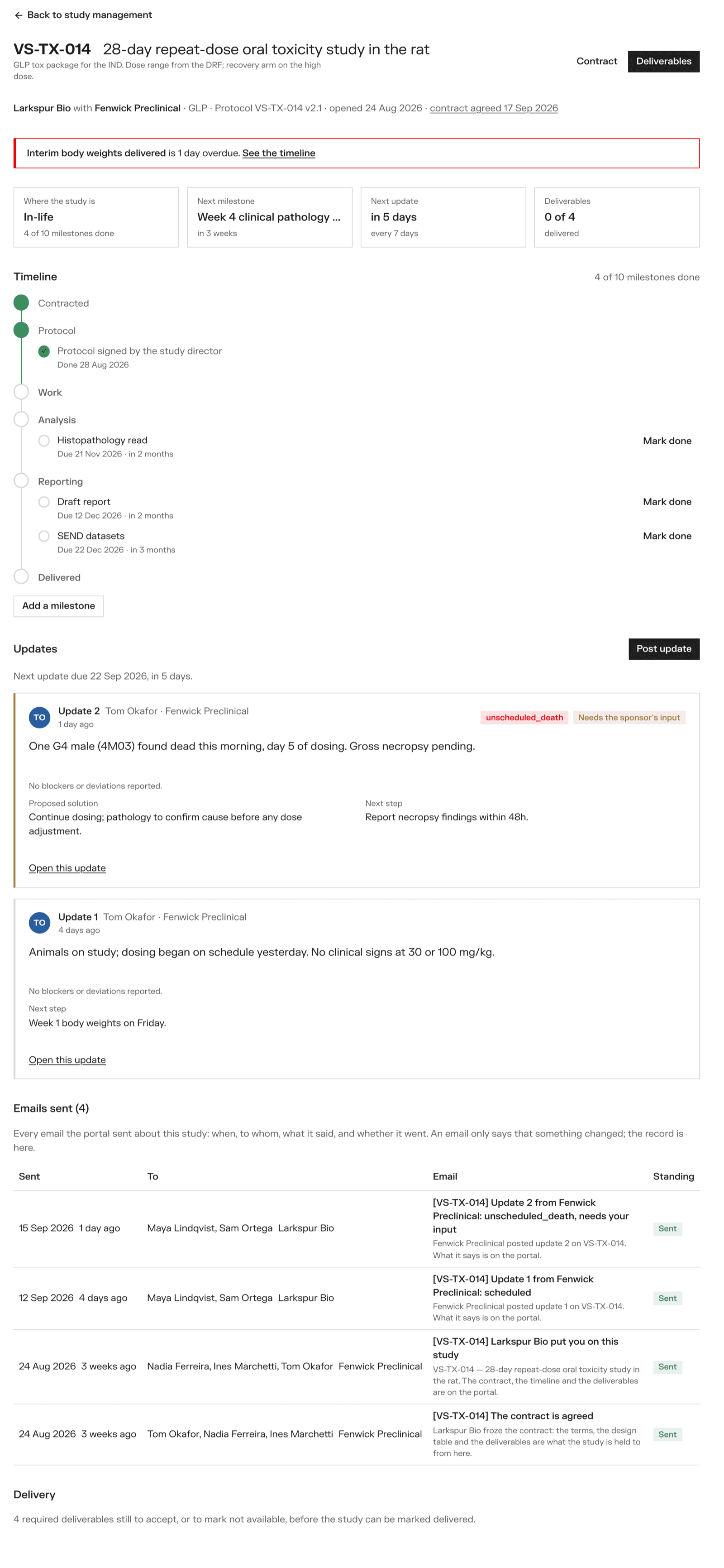
The study page lists every email sent about the study: when, to whom, what it said, and whether it went. An email that fails is retried automatically.